



21 Ago How to Win the Dark Carnival Mini-Games in Dota 2
Valve’s latest update for its MOBA introduced the Dark Carnival, a festival packed with attractions and two mini-games that have the community hooked. To earn the best rewards — free passes and exclusive Slark emotes — players need to achieve extremely high scores that put anyone’s reflexes to the test. The good news is that there is a trick that makes things much easier. The quick answer: enable the Dota 2 console and cap the frame rate using the command fps_max_ui 30. Lowering the FPS mainly slows down the Boot Breaker mini-game, giving you plenty of time to control it. In Pick the Lock, however, the key is timing your click as the lockpick crosses the highlighted bar. Here is the step-by-step guide.
The Dark Carnival mini-game trick: Lowering FPS in Dota 2
To reduce the frames per second, you first need to enable the command console. On Steam, follow these steps:
- Go to your library, right-click on Dota 2 and select Properties.
- Under the General tab, find the Launch Options box.
- Enter -console and restart the game.
- Once you are in the game, press the ~ (tilde) key and enter the command fps_max_ui 30. You can try an even lower number if you are still struggling to get the timing right.
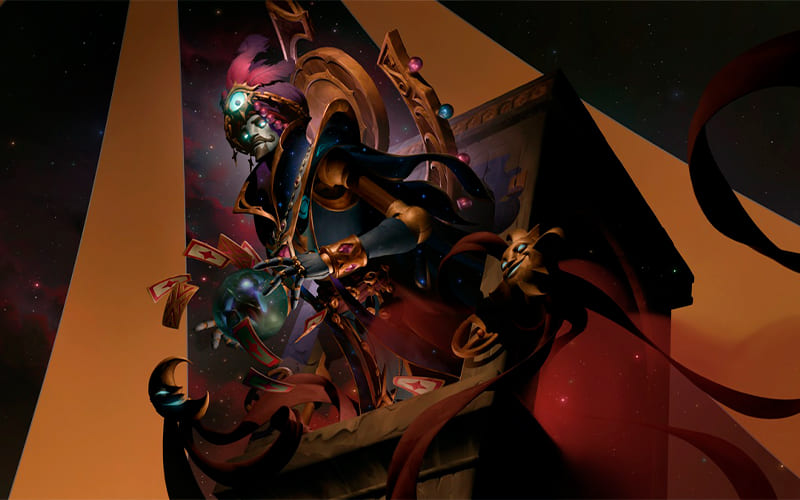
In Pick the Lock, a lockpick spins continuously and you need to left-click precisely when it passes over the highlighted bar. Hitting the yellow bar earns 1,000 points, while hitting the blue bar gives you an additional 1.5 seconds of time. Precision is more important than speed: aim for the yellow bar to build up your score and use the blue one when you need more time. If you miss one, don’t panic; simply wait for the lockpick to come around again.
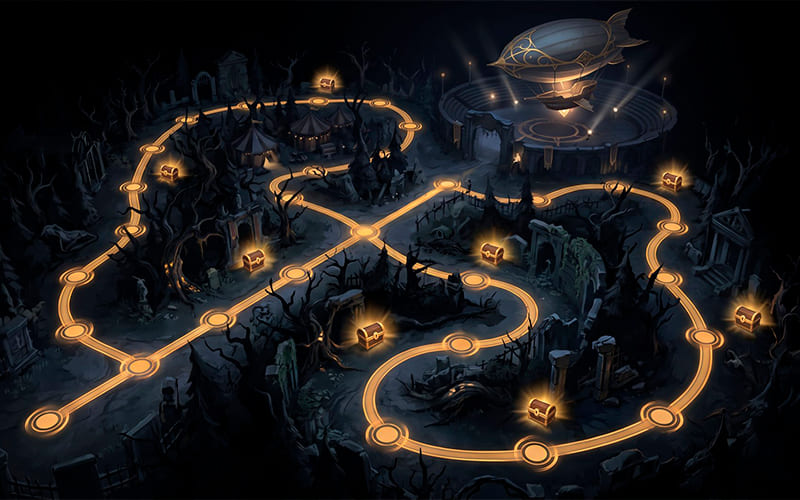
Boot Breaker is an Arkanoid-style game with a Dota theme. Instead of a ball, you bounce a boot off a platform to break obstacles and progress through the levels. This is where the FPS trick really shines. Since the boot’s speed appears to depend on the frame rate — almost certainly due to a bug — lowering it to 30 with fps_max_ui makes the boot much slower and easier to control. Once you have the boot under control, direct your shots towards the same area, aiming at the back of the barriers. This allows you to clear the screens faster, earn extra points and collect the green blocks, which restore lives and help you keep the game going for as long as possible. If you are coming from other platforms, keep in mind that this trick is specific to the PC client within Valve’s ecosystem.
Sorry, the comment form is closed at this time.